How to Withdraw from TONTIIN via Stable Coins
Download the Tontiin app to access both traditional savings and modern financial services.


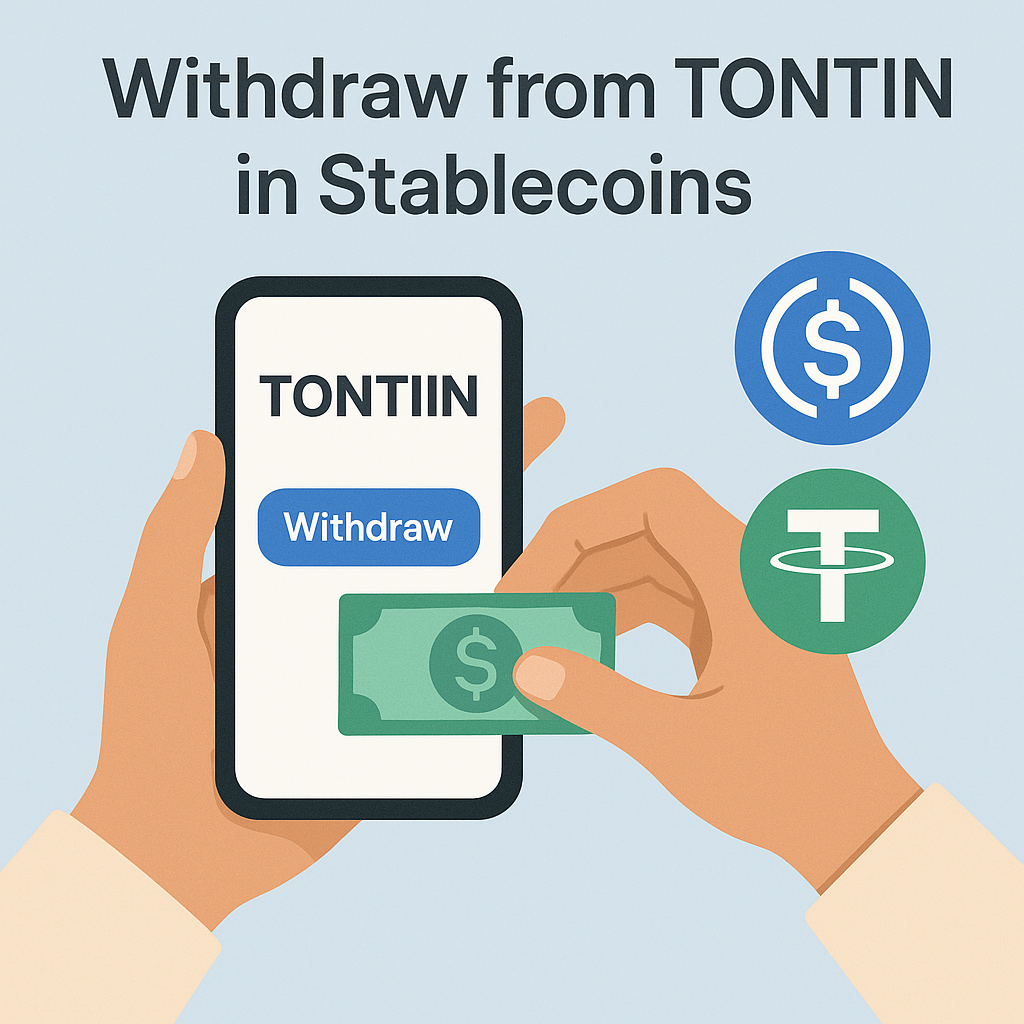
p>Withdrawing your tontine payout to a stable coin wallet gives you fast, borderless access to your funds. This guide explains how to receive your payout in USDT, USDC, or other supported stable coins.
What You Need
Before requesting a stable coin withdrawal, make sure you have:
- An active Tontiin account with available balance
- A cryptocurrency wallet that supports stable coins
- Your wallet address (where you want to receive the funds)
- Knowledge of which stable coin you want to receive (USDT, USDC, etc.)
Important: Always use a wallet address that supports the specific stable coin you're requesting. Sending USDT to a USDC-only address (or vice versa) will result in loss of funds.
Supported Stable Coins for Withdrawals
You can withdraw to the following stable coins:
- USDT (Tether) - Available on multiple blockchains (ERC-20, TRC-20, BEP-20)
- USDC (USD Coin) - Available on multiple blockchains
Make sure you specify which blockchain network you want to use (e.g., Ethereum, Tron, BSC).
Step-by-Step Withdrawal Process
Step 1: Access Your Balance
Log in to your Tontiin account and navigate to your balance or treasury section. View your available funds that can be withdrawn.
Step 2: Request Withdrawal
Click on "Request Withdrawal" or "Withdraw Funds". You'll see a withdrawal form.
Step 3: Select Stable Coins
From the payment method options, select Stable Coins or Crypto Coins.
Step 4: Choose Stable Coin and Network
Select:
- The stable coin you want to receive (USDT or USDC)
- The blockchain network (Ethereum, Tron, BSC, etc.)
Critical: The network you choose must match your wallet's network. For example, if your wallet address is on the Ethereum network, you must select Ethereum (ERC-20).
Step 5: Enter Your Wallet Address
Paste your cryptocurrency wallet address. This is the address where you want to receive the stable coins.
Double-check: Wallet addresses are long strings of characters. Always copy and paste the address - never type it manually. One wrong character means your funds will be lost.
Step 6: Enter Withdrawal Amount
Enter the amount you want to withdraw. The system will show:
- Your available balance
- The amount in your local currency
- The equivalent in the selected stable coin
- Any applicable fees
- The net amount you'll receive
Step 7: Review All Details
Before confirming, carefully verify:
- Wallet address is correct
- Stable coin type matches your wallet
- Blockchain network matches your wallet
- Withdrawal amount is correct
- Fees are acceptable
Step 8: Confirm and Submit
Once you've verified everything, click "Confirm" or "Submit Withdrawal Request".
Step 9: Processing
After submission, Tontiin will process your withdrawal. Processing typically takes:
- Standard processing: 1-3 business days
- Blockchain confirmation: Additional time for network confirmation (usually minutes)
You'll receive email notifications about the status of your withdrawal.
Step 10: Receive Funds
Once processed and confirmed on the blockchain, the stable coins will appear in your wallet. You can verify the transaction using a blockchain explorer with your transaction hash (TXID).
Network Selection Guide
Different networks have different characteristics:
- Ethereum (ERC-20): Most widely supported, but higher gas fees
- Tron (TRC-20): Lower fees, faster transactions
- BSC (BEP-20): Low fees, fast, compatible with many wallets
Choose the network that your wallet supports and that you're comfortable with.
Fees
Stable coin withdrawal fees may include:
- Tontiin's processing fee (if any)
- Blockchain network fees (gas fees) - usually minimal for stable coins
All fees are displayed before you confirm, so you know exactly what you'll receive.
Benefits of Stable Coin Withdrawals
- Fast: Once processed, blockchain confirmation is usually quick
- Global: Receive funds anywhere in the world
- Low fees: Typically lower than traditional banking
- No borders: No currency conversion needed
- Control: You control your wallet and funds
- Transparent: All transactions are verifiable on the blockchain
Security Best Practices
- Always double-check wallet addresses before submitting
- Use a reputable cryptocurrency wallet
- Keep your wallet's private keys secure and never share them
- Start with a small test withdrawal if you're new to crypto
- Verify the transaction on a blockchain explorer after receiving funds
- Use hardware wallets for large amounts
Troubleshooting
Funds Not Received?
- Check your wallet address is correct
- Verify the network matches your wallet
- Check the blockchain explorer with your transaction hash
- Ensure your wallet supports the specific stable coin
- Wait for full blockchain confirmation
- Contact support with your transaction details
Wrong Network Selected?
If you selected the wrong network, contact Tontiin support immediately. Depending on the stage of processing, we may be able to help, but funds sent to the wrong network may be lost.
Converting to Cash
If you want to convert your stable coins to cash, you can:
- Use a cryptocurrency exchange to sell for fiat currency
- Use a peer-to-peer platform
- Use a crypto debit card
- Transfer to a bank account via certain services
Research the best option for your location and needs.
Need Help?
If you need assistance with stable coin withdrawals, our support team is here to help. Provide your withdrawal request ID and transaction details for faster assistance. You can also check our FAQ section for more information.