How to Withdraw from TONTIIN to PayPal
Download the Tontiin app to access both traditional savings and modern financial services.


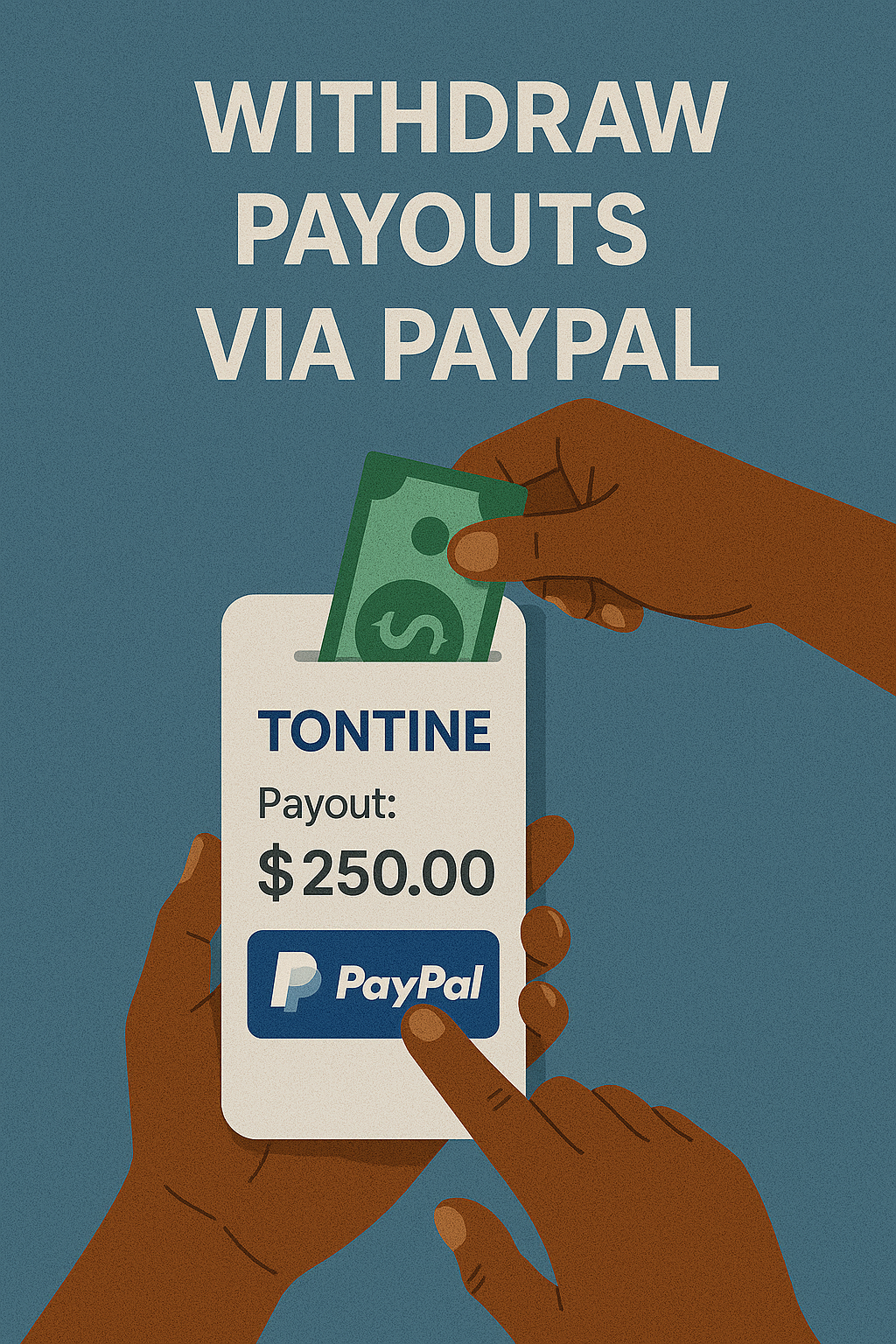
Receiving your tontine payout directly to your PayPal account is now easier than ever. This guide will walk you through the process of withdrawing your funds to PayPal.
Prerequisites
Before requesting a withdrawal to PayPal, ensure you have:
- An active Tontiin account with available balance
- A verified PayPal account
- The PayPal account email address you want to receive funds to
Note: Your PayPal account must be verified and in good standing to receive payouts. If your account is new or unverified, you may need to complete PayPal's verification process first.
Step-by-Step Withdrawal Process
Step 1: Access Your Balance
Log in to your Tontiin account and navigate to your balance or treasury section. This is where you can see your available funds and request withdrawals.
Step 2: Initiate Withdrawal Request
Click on "Request Withdrawal" or "Withdraw Funds" button. You'll see a form to fill out your withdrawal details.
Step 3: Select PayPal as Payment Method
From the payment method options, select PayPal. Make sure you choose PayPal and not another payment method.
Step 4: Enter PayPal Email Address
Enter the email address associated with your PayPal account. This is the email you use to log in to PayPal.
Important: Double-check the email address before submitting. Sending to the wrong email address may result in delays or loss of funds.
Step 5: Enter Withdrawal Amount
Enter the amount you want to withdraw. The system will show:
- Your available balance
- Any applicable withdrawal fees
- The amount you'll receive in PayPal
- The total amount that will be deducted from your balance
Step 6: Review and Confirm
Carefully review all the withdrawal details:
- PayPal email address
- Withdrawal amount
- Fees (if any)
- Net amount you'll receive
Once you're satisfied, click "Confirm" or "Submit Withdrawal Request".
Step 7: Processing Time
After submitting your request, Tontiin will process your withdrawal. Processing times typically range from:
- Standard processing: 1-3 business days
- Express processing: Same day (if available)
You'll receive email notifications about the status of your withdrawal.
Step 8: Receive Funds in PayPal
Once processed, the funds will be sent to your PayPal account. You'll receive:
- An email confirmation from Tontiin
- A notification from PayPal (if enabled)
- The funds will appear in your PayPal balance
Withdrawal Limits
Tontiin may have minimum and maximum withdrawal limits. Common limits include:
- Minimum withdrawal: Usually $10 or equivalent
- Maximum withdrawal: Varies based on account status
- Daily limits: May apply for security reasons
Check your account settings or contact support for your specific limits.
Fees
PayPal withdrawal fees may apply. These typically include:
- Tontiin's processing fee (if any)
- PayPal's receiving fee (usually minimal or none)
All fees are clearly displayed before you confirm the withdrawal, so you know exactly how much you'll receive.
Benefits of PayPal Withdrawals
- Fast access: Funds available in your PayPal account quickly
- Global: Works from anywhere PayPal is available
- Flexible: Use PayPal balance for online purchases or transfer to bank
- Secure: PayPal's security measures protect your funds
- Convenient: No need to provide bank account details
Troubleshooting
Withdrawal Not Received?
- Check your PayPal account balance and transaction history
- Verify the email address you provided is correct
- Check your email (including spam) for Tontiin notifications
- Allow the full processing time to elapse
- Contact Tontiin support with your withdrawal request ID
PayPal Account Issues?
- Ensure your PayPal account is verified and active
- Check if PayPal has placed any restrictions on your account
- Verify you can receive payments in your PayPal account
- Contact PayPal support if there are account issues
Security Tips
- Always use the email address associated with your verified PayPal account
- Never share your PayPal password or security information
- Enable two-factor authentication on your PayPal account
- Monitor your PayPal account for unauthorized transactions
- Keep your Tontiin account secure with a strong password
Alternative: Withdraw to Bank via PayPal
If you want to transfer funds to your bank account, you can:
- Withdraw to PayPal first (using this process)
- Then transfer from PayPal to your linked bank account
This two-step process gives you flexibility in how you access your funds.
Need Help?
If you have questions about PayPal withdrawals or encounter any issues, our support team is ready to assist. You can also check our FAQ section for common questions.