How to Pay Contributions with Stable Coins
Download the Tontiin app to access both traditional savings and modern financial services.


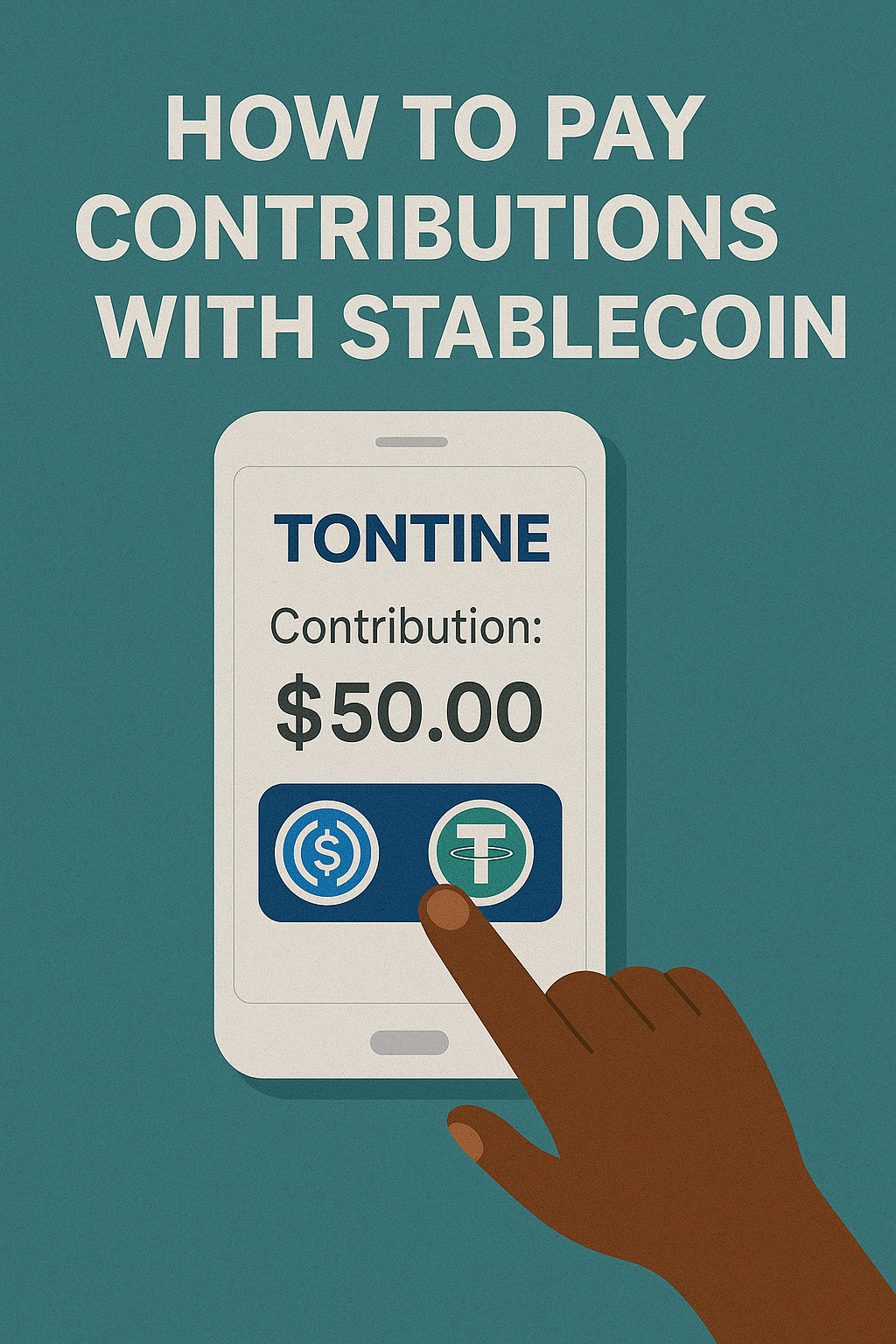
Stable coins offer a modern, borderless way to pay your tontine contributions. This guide will help you understand how to use stable coins like USDT and USDC for your group payments.
What Are Stable Coins?
Stable coins are digital currencies designed to maintain a stable value, typically pegged to traditional fiat currencies like the US Dollar. They combine the benefits of cryptocurrency (fast, global, digital) with price stability.
Supported Stable Coins
Tontiin currently supports the following stable coins:
- USDT (Tether) - The most widely used stable coin
- USDC (USD Coin) - A regulated, transparent stable coin
Note: More stable coins may be added in the future. Check our payment options for the latest supported currencies.
Prerequisites
Before making a payment with stable coins, you need:
- An active Tontiin account
- A cryptocurrency wallet that supports stable coins (like MetaMask, Trust Wallet, or Coinbase Wallet)
- Sufficient stable coins in your wallet
- The wallet address where you'll send the payment
Step-by-Step Instructions
Step 1: Navigate to Your Meeting
Log in to your Tontiin account and go to your tontine group. Find the upcoming meeting where you need to make your contribution.
Step 2: Select Stable Coins Payment
Click on "Pay Contribution" or "Make Payment" for the meeting. From the payment method options, select Stable Coins or Crypto Coins.
Step 3: Choose Your Stable Coin
Select which stable coin you want to use (USDT or USDC). Make sure you have enough of that specific coin in your wallet.
Step 4: Enter Payment Amount
Enter the contribution amount. The system will display:
- The amount in your local currency
- The equivalent amount in the selected stable coin
- Any applicable transaction fees
- The total amount you need to send
Step 5: Get Payment Address
After confirming the amount, Tontiin will generate a unique payment address (wallet address) for this transaction. This address is specific to your payment and will expire after a certain time period.
Important: Always double-check the payment address before sending. Sending to the wrong address will result in loss of funds.
Step 6: Send Payment from Your Wallet
Open your cryptocurrency wallet and:
- Select "Send" or "Transfer"
- Choose the stable coin you're using (USDT or USDC)
- Paste the payment address from Tontiin
- Enter the exact amount shown in Tontiin
- Review all details carefully
- Confirm and send the transaction
Step 7: Wait for Confirmation
After sending, wait for blockchain confirmation. This usually takes a few minutes, but can take longer during network congestion. Tontiin will automatically detect your payment once it's confirmed on the blockchain.
Step 8: Payment Recorded
Once confirmed, your contribution will be automatically recorded in your tontine group. You'll receive a confirmation notification.
Transaction Fees
When using stable coins, you may encounter two types of fees:
- Network fees: Paid to the blockchain network (usually minimal for stable coins)
- Platform fees: Tontiin's service fee (if applicable)
All fees are clearly displayed before you confirm the payment.
Benefits of Using Stable Coins
- Global: Send payments from anywhere in the world
- Fast: Transactions typically confirm within minutes
- Low fees: Often lower than traditional payment methods
- No borders: No currency conversion delays
- Transparent: All transactions are recorded on the blockchain
Troubleshooting
Payment Not Detected?
- Check that you sent to the correct address
- Verify the transaction on the blockchain explorer
- Ensure you sent the exact amount
- Wait a few more minutes for confirmation
- Contact support with your transaction hash (TXID)
Wrong Amount Sent?
If you sent the wrong amount, contact Tontiin support immediately with your transaction details. We'll help resolve the issue.
Security Tips
- Always verify the payment address before sending
- Use a reputable cryptocurrency wallet
- Keep your wallet's private keys secure
- Double-check all transaction details
- Start with a small test payment if you're new to crypto
Need Help?
If you need assistance with stable coin payments, our support team is here to help. You can also check our FAQ section for more information.