How to Pay Contributions with PayPal
Download the Tontiin app to access both traditional savings and modern financial services.


Paying your tontine contribution with PayPal is quick and straightforward. This guide will walk you through the entire process step by step.
Prerequisites
Before you begin, make sure you have:
- An active TONTIIN account
- A PayPal account (if you don't have one, you can create it at paypal.com)
- Sufficient funds in your PayPal account or a linked payment method
Step-by-Step Instructions
Step 1: Navigate to Your Meeting
Log in to your Tontiin account and go to your tontine group. Find the upcoming meeting where you need to make your contribution.
Step 2: Select Payment Method
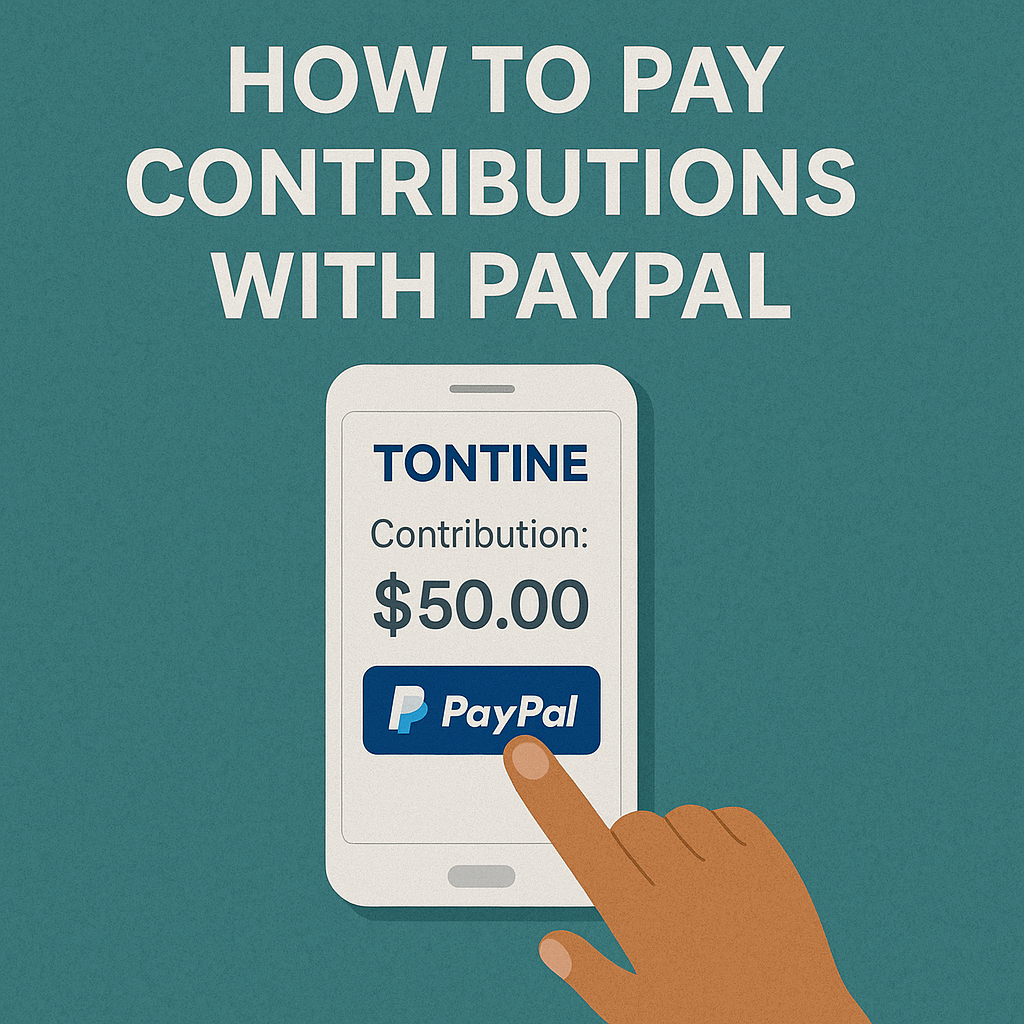
Click on the "Pay Now" or "Make Payment" button for the meeting. You'll see a list of available payment methods. Select PayPal from the options.
Step 3: Amount. The system will display the total amount including any applicable fees. Review the amount carefully before proceeding.
Step 4: Initiate PayPal Payment
Click "Continue" or "Submit Payment". You'll be redirected to PayPal's secure payment page.
Step 5: Complete PayPal Payment
On the PayPal page:
- Log in to your PayPal account if you're not already logged in
- Review the payment details
- Select your preferred payment method (PayPal balance, bank account, or card)
- Click "Pay Now" to complete the transaction
Step 6: Confirmation
After successful payment, PayPal will redirect you back to Tontiin. You'll see a confirmation message, and your contribution will be automatically recorded in your tontine group.
What Happens After Payment?
- Your contribution is immediately recorded in the system
- You'll receive a confirmation message from TONTIIN
- The group can see your payment in the meeting records
- Your payment history is updated in your account
Troubleshooting
Payment Not Processing?
- Check your PayPal account balance or linked payment method
- Ensure your PayPal account is verified
- Try using a different browser or clearing your browser cache
- Contact PayPal support if the issue persists
Didn't Receive Confirmation?
- Verify the payment was completed in your PayPal account
- Check your Tontiin payment history
- Contact Tontiin support if the payment shows in PayPal but not in Tontiin
Benefits of Using PayPal
- Speed: Payments are processed almost instantly
- Security: PayPal's advanced fraud protection keeps your transactions safe
- Convenience: No need to enter card details each time
- Global: Works from anywhere in the world
- Tracking: Easy to track all your tontine payments in one place
Need Help?
If you encounter any issues or have questions about paying with PayPal, our support team is ready to assist you.